

If you publish content on social networks, you’ve certainly noticed. The best content creators all subtitle their videos. And if they do, it’s not by chance! Adding text to your videos will directly impact viewer engagement, improve retention rates and send a good signal to the algorithms.
But here’s the thing… Adding subtitles manually is time-consuming and boring.
Calling in a video editor is expensive…
With the development of artificial intelligence and natural language processing algorithms, many new applications have emerged. Many of them allow you to subtitle videos in just a few clicks.
That’s the subject of this comparison, in which I present the 6 best automatic subtitling SaaS. Let’s go !
In a hurry and want to get straight to the point?
Here’s a summary of this comparison:
- Submagic is the reference tool for subtitling and dynamizing your videos.
👉 Click here to try Submagic for free 🔥
- Zubtitle lets you subtitle long videos.
- SendShort recycles your long-form content into dynamic, subtitled shorts.
- Opus can also recycle your long-form content and tells you which extracts are most likely to go viral.
- Klap can also transform long videos into short ones.
- Pictory is also a subtitle generator offering other features such as “text to video” or “video to text”.
1. Submagic
As its name suggests, Submagic was originally designed to subtitle videos in English, but also in 47 other languages! Initially, this was the only feature offered by this SaaS (Sofware as a Service, i.e. online software). That’s why it tops this ranking.

Submagic is THE specialist in AI-generated subtitles, enabling you to :
- Generate reliable subtitles automatically and correct them if necessary.
- Energize your video content with dynamic subtitles and emojis.
- Modify their appearance and create templates to save time.
And that’s not all! The Submagic team is dynamic and constantly improving its product. Their tool now has all the features you need to create viral shorts!
Add sound effects, musical backgrounds, transitions, b-rolls and images, zooms, silence removal…
Submagic replaces your video editor, all from $16 a month if you choose to pay by the year. You can get a further 10% discount by entering the coupon code SAVE10 at the time of purchase.
The good news is that you can try Submagic for free and get 3 free videos a month by clicking below:
10% OFF on Submagic with promo code SAVE10
To find out more, read my Submagic review.
2. Zubtitle
Zubtitle also specializes in adding subtitles. If you’re looking for a tool for subtitling long videos (up to 20 minutes long), Zubtitle is for you.
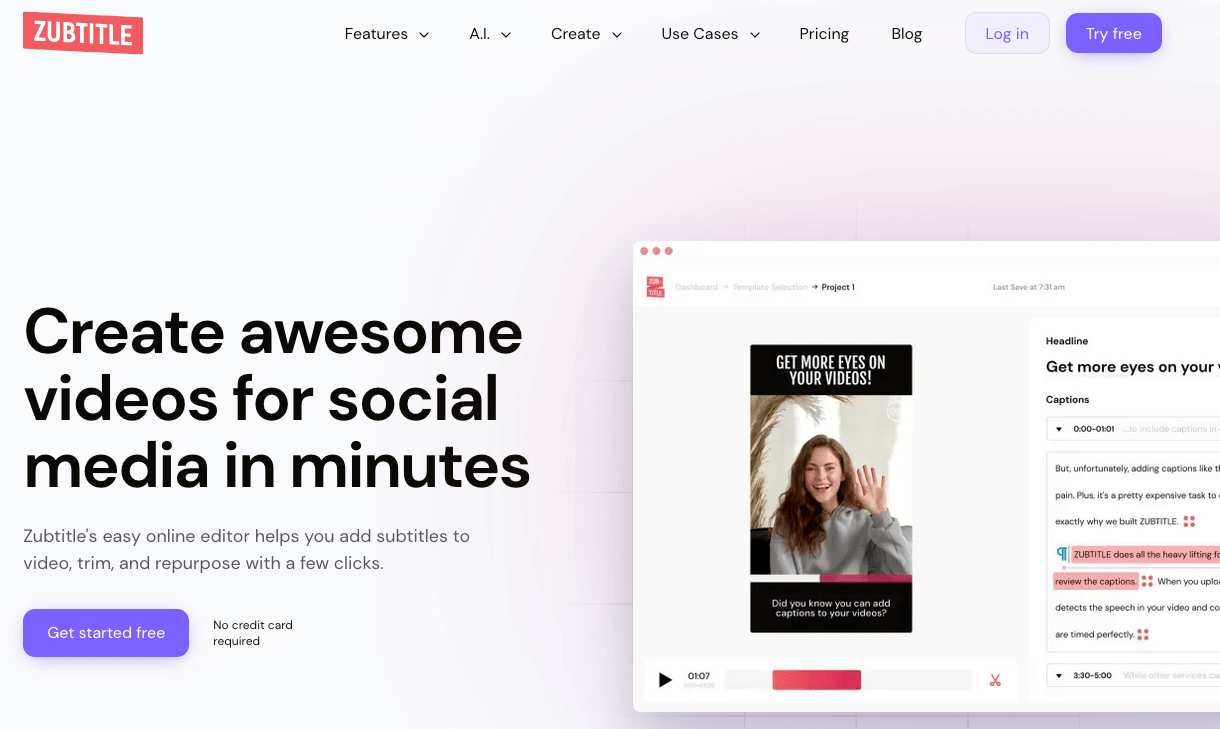
Zubtitle offers some interesting features that I think are worth mentioning, such as adding a banner to your video, your logo or a progress bar.
I do find, however, that the look of the subtitles is less modern than that of its competitors.
Pricing starts at $19 a month to subtitle just 10 videos.
Zubtitle also offers a free version so you can test out its features.
To find out more, read my full review of Zubtitle.
3. SendShort
SendShort also lets you subtitle your videos, with results similar to those of Submagic. However, this is not the main promise of this software, which is primarily designed to transform long videos into shorts for social networking.
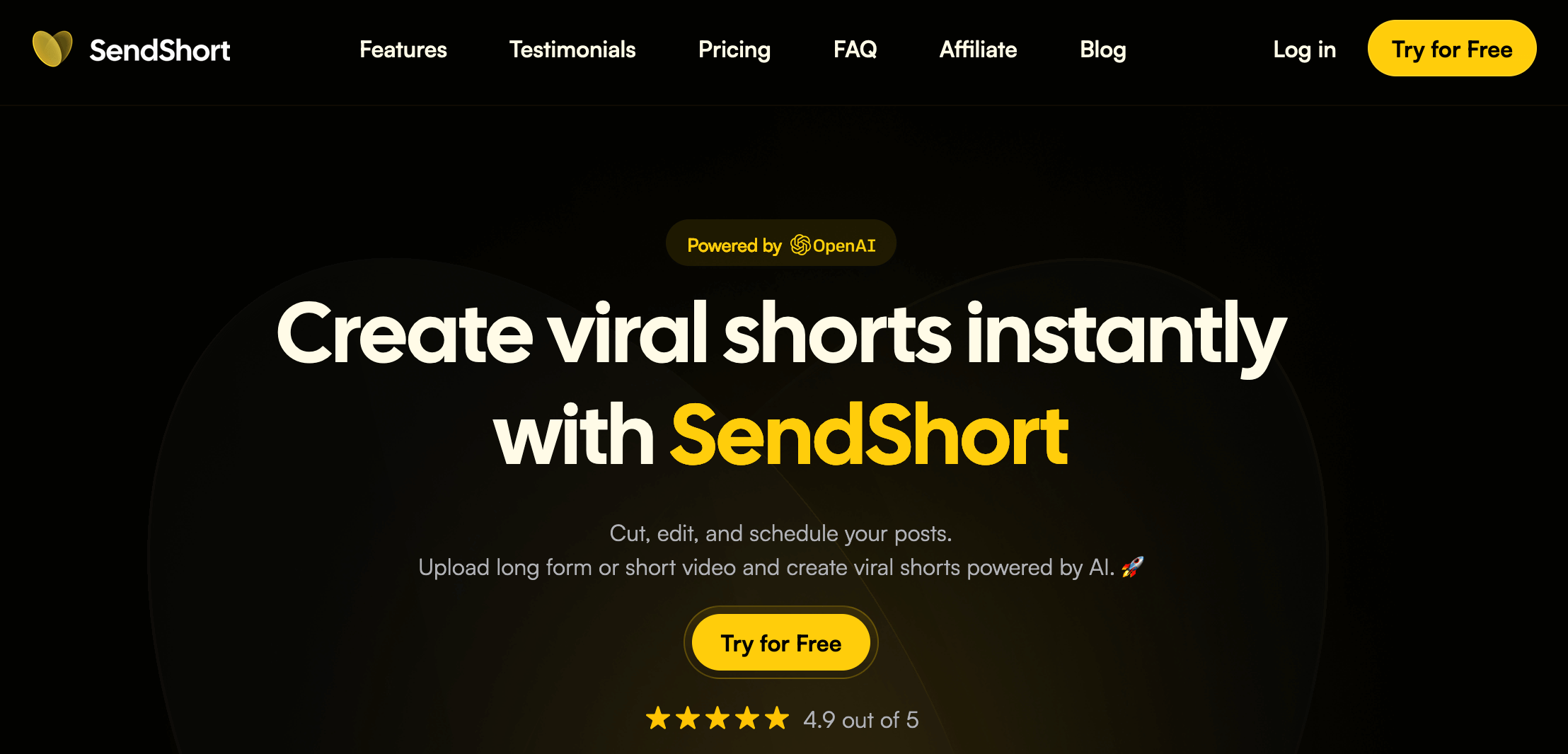
SendShort is ideal for people who want to recycle long-form content for posting on social networks such as Tiktok, Instagram, Snapchat or YouTube Shorts. It lets you manually select the best moments from a video. Sendshort will then automatically crop it and add subtitles. At every stage of creation, you can intervene to improve the result.
What’s more, SendShort also lets you plan your content and manage your social networks from a single location. All this for an attractive price starting from $19 per month for 25 monthly videos.
You can get 10% off all plans by entering the promo code SAVE10 at the time of purchase!
And of course, you can try SendShort for free to see for yourself!
10% OFF on SendShort with promo code SAVE10
See also my full SendShort review.
4. Opus Clip
Like SendShort, Opus will add subtitles to your videos, but that’s not its main feature. First and foremost, this SaaS allows you to transform content into short-form content for posting on networks where short-form content is king.

An interesting feature, Opus will automatically identify the best moments in a video and rank them by virality potential, with a score ranging from 0 to 100. You’ll know right away which videos to create first, the ones most likely to go viral!
While Opus Clip’s features are attractive, its pricing policy is a little less so: Opus Clip works on the basis of the number of minutes of the videos you process. Depending on your profile and the length of your videos, this can be more or less attractive.
In any case, I advise you to test Opus free of charge to see if it’s the right tool for you, especially if you need to recycle content!
See also my Opus Pro test.
5. Klap
Klap is a direct competitor to Opus, and can also transform long-form content into short videos. If its virality score seems a little less reliable than Opus’s, don’t hesitate to test it out by taking advantage of its free version. Klap App and its pricing policy may well suit you.
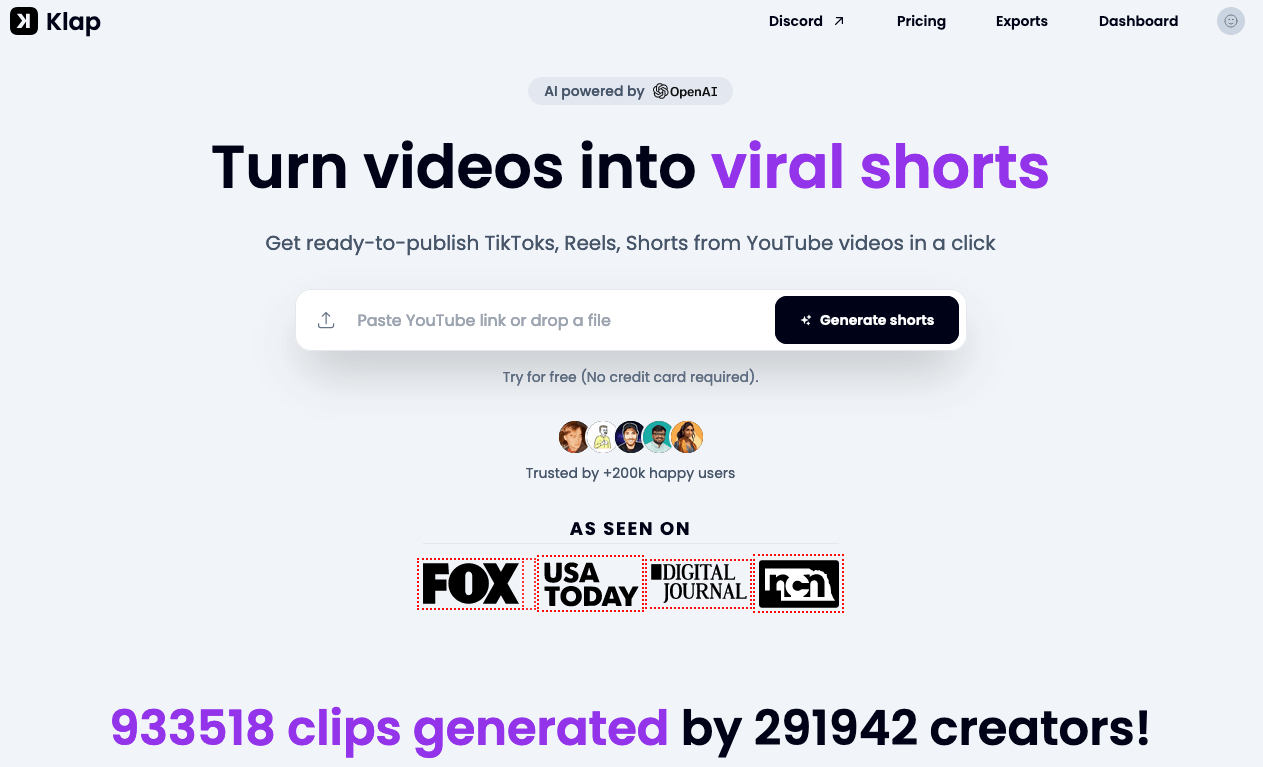
Unlike Opus, Klap’s price is not determined by the length of the video uploaded. Here, with the basic plan at $29 per month, you can upload 10 videos and then generate and subtitle up to 100 Shorts.
See also my presentation and review of Klap.
6. Pictory
Pictory is the all-in-one IA video software of this selection.
It does indeed allow you to subtitle your videos automatically, but I’d especially recommend choosing it if you need more comprehensive software to help you with your video production.

Here’s an overview of Pictory’s main features:
- Create video from text.
- Generate text from video.
- Remove silences from videos (ideal for podcasts and webinars).
- Summarize/shorten a long video into a short one.
- Automatically subtitle your videos.
Pricing for Pictory AI starts at $23 per month.
You can try it for free (create 3 video projects up to 10 minutes long).
20% OFF on Pictory with promo code AIADVICES
Read my review of Pictory AI.
How to choose the best subtitling software?
If you’re reading this, you’re probably looking for subtitling software.
Here are 5 points to consider before making your choice:
- Are the subtitles generated reliable? Can they be modified manually?
- Is it possible to customize the appearance of these subtitles?
- What are the limits on the number and length of videos?
- Does the software offer any other useful features?
- How much does it cost?
Of course, I’d advise you to take the time to try out the software that suits your needs, to see if it’s really right for you. They often offer a free version.
In this comparison, I’ve tried to summarize the information to help you make your choice.
Frequently asked questions
Which is the best automatic subtitle generator?
Following the various software packages presented and tested on AI Advices, I recommend you try Submagic free of charge if your aim is to add automatic subtitles to your videos. You can also check out the other software presented. Some of them can also transform long content into shorts. If you’re interested in this feature, I’d recommend SendShort or Opus.
Are the generated subtitles reliable?
The subtitle generators presented here are particularly reliable. However, you can intervene manually to correct or adjust subtitles when necessary.
Is it possible to change the appearance of the text?
Yes, you can. The software presented here allows you to customize your subtitles to suit your branding. You can generally modify the style, font, size and position of subtitles, and sometimes even add emojis!