
Video content continues to grow in popularity. If you want to attract attention and make a name for yourself on the web, you no longer have a choice… You need to create videos to develop your audience, generate more leads and boost your sales.
The problem is that creating quality videos is often complex, time-consuming and costly when you decide to delegate the task…
Need to create a video from an article or script? Want to shorten a long video before publishing it on social networks? Subtitle your content or translate it?
Pictory.ai does it all for you. It’s the tool I’ve chosen to present to you today! Let’s go !
Introducing Pictory and its features
Pictory is one of the pioneers in its field. Since its launch in July 2020, numerous updates have been made, making SaaS Pictory AI one of the best online software packages for generating and optimizing your videos using artificial intelligence.

Discover Pictory’s main features:
- Create a video from text (ideal for adding videos to blog posts).
- Edit a video from a speaker’s speech (to remove blanks and certain passages in podcasts or webinars).
- Generate text content from a video (to turn your videos into blog posts).
- Shorten a long video into a short one.
- Automatically subtitle your videos.
Want to try Pictory for free? You can with the free trial version, which lets you create 3 video projects.
Create a video from text (script or blog post)
This feature is particularly interesting for bloggers. In just a few clicks, you can create a video from an article or script in text format.
If you have a blog or website, Pictory lets you bring your content to life by adding videos. Visitors often prefer to watch a video rather than read the whole article… It requires less effort, and human beings still have that lazy side!
What’s more, these videos can improve your search engine optimization (SEO). You can also publish them on YouTube to capitalize on your content and reach more visitors.
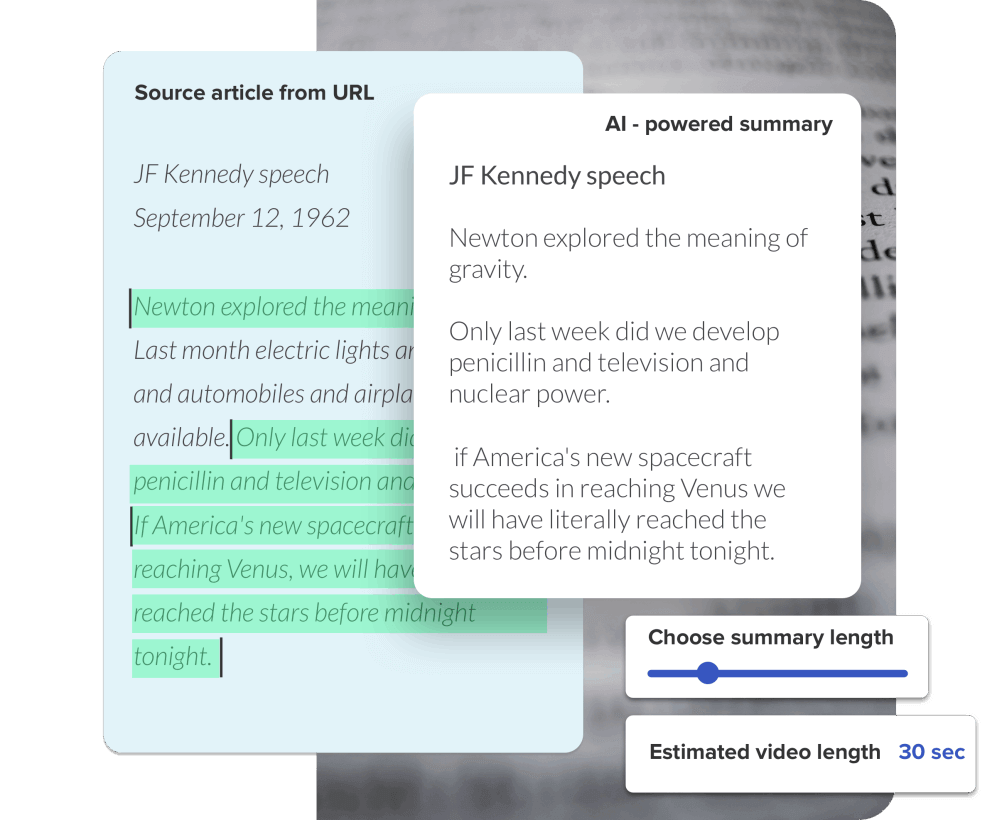
When creating a video from text, Pictory creates a video that you can then customize to your needs (script and video extracts used).
Edit a video using the speakers’ speeches.
Have you recorded a live event, podcast or webinar and want to edit it quickly and efficiently? Pictory.ai does just that.
Its artificial intelligence enables you to remove stray words and blanks, and subtitle your video if required.
You can also manually select certain passages to be removed from your video script, which will be automatically generated by Pictory.
Generating text from a video
We’ve seen that Pictory lets you create a video from a blog post.
Well, this SaaS also lets you transcribe your videos into text format.
This feature will be useful if you’re using a video and extracting its content to share elsewhere, whether on your site or on your social networks.
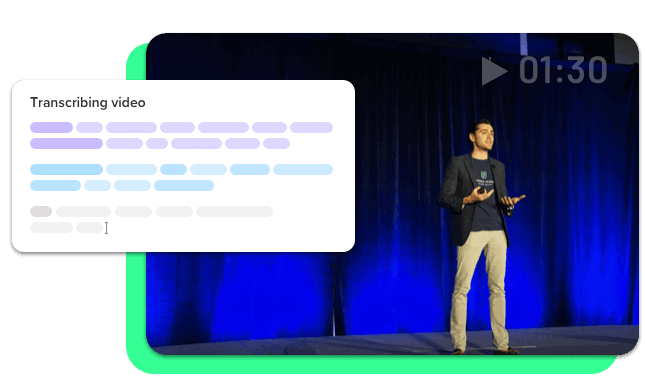
I like to say that Pictory lets you capitalize on existing content to publish it on different platforms in different formats.
Turning a long video into a short one
Still with the same objective in mind, Pictory’s AI can also synthesize and extract the best moments from a long video to turn it into a short video suitable for social networks such as TikTok, Instagram or Youtube Shorts.
Automatically subtitle a video
You’ve probably noticed that most videos published on the Internet are now subtitled. As you’d expect, there’s a reason for this!
Subtitles make videos more dynamic, increase viewing time and are also practical for the hearing-impaired and those who have forgotten their headphones and don’t want to disturb those around them!
Pictory generates your subtitles in an instant, allowing you to modify them as required and change their appearance.
Gone are the days when you had to hire a video editor or spend hours manually adding and synchronizing your subtitles!
If subtitling is the main feature you’re looking for from Pictory, I suggest you check out this list of the best SaaS for generating subtitles automatically and adding them to your videos.
Pictory pricing
First and foremost, Pictory offers a free trial version that lets you test the software and edit 3 videos for free.
To use Pictory without limitations, you’ll need to choose a subscription.
3 packages are available.
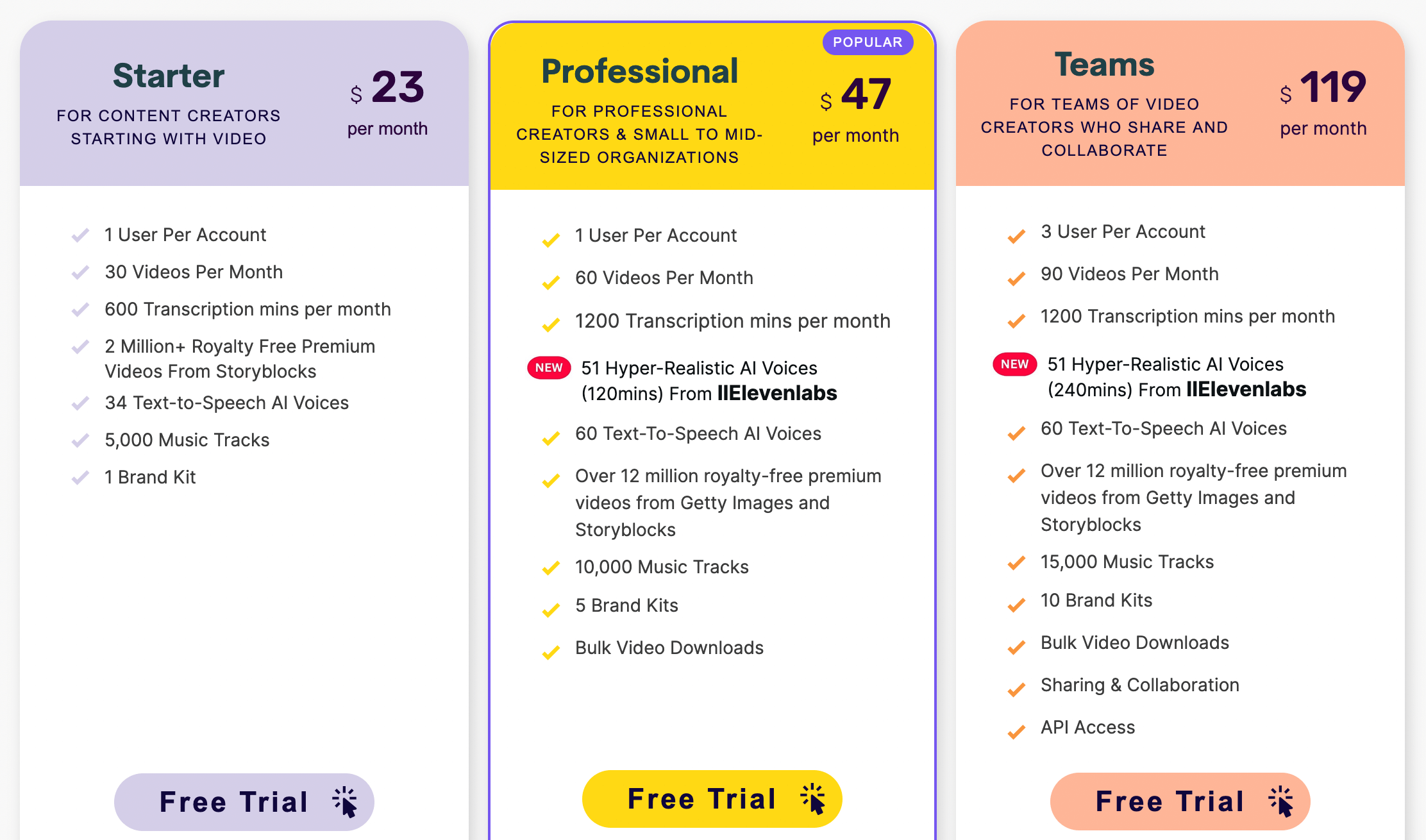
- Pictory Starter ($23 per month): this package is ideal for occasional use, but is fairly limited in scope. It allows you to create a maximum of 30 videos per month, 600 minutes of transcription. You won’t have access to the entire library of royalty-free voices, videos and music.
- Pictory Professional ($47 per month): this intermediate price plan is designed for people with regular needs. It can be used to create up to 60 videos per month, and gives access to more resources (videos, music and additional voice-overs) for the creation of better video content.
- Pictory Teams ($119 per month): this last package is particularly suited to team players and agencies with large-scale needs. It allows you to create 90 videos per month, transcribe up to 1200 minutes of content and also unlocks API access.
As usual, you can take advantage of a 15% discount if you choose to pay by the year.
My final review of Pictory.ai
Pictory is undeniably one of the leaders in its field, and not for nothing. On the market since 2020, this SaaS allows users to harness the power of AI to create better videos in less time.
It’s a particularly complete online software package that will suit you if you have a variety of needs, such as creating videos from text/articles, video transcription, automatic subtitling… All these features at a competitive price!
Moreover, I was able to negotiate a promotional code for Pictory. Enter the code AIADVICES for a 20% discount on all subscriptions.
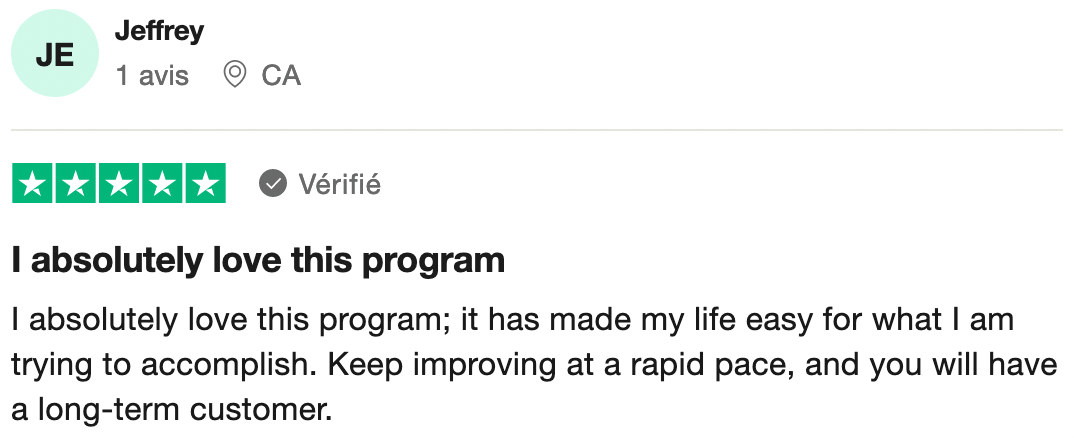
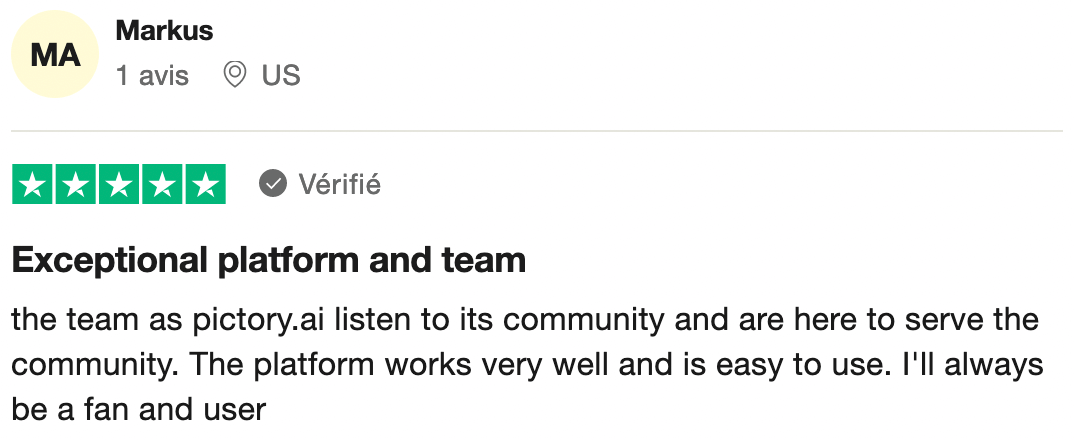
Pictory is rated 4/5 on Trustpilot. I’m sharing 2 reviews from satisfied users:
Please note, however, that some of this tool’s features are not as advanced as those of the competitors I present below. The latter are more specialized and may therefore be an interesting alternative to Pictory, depending on what you’re looking for.
Alternatives to Pictory
Pictory is a full-featured SaaS at an affordable price, given the many features it offers. However, I’d like to share with you a few alternatives that may be of interest to you if you have more specific needs:
- Submagic AI for adding dynamic subtitles and editing your videos.
- SendShort or Opus Pro to recycle your long videos and transform them into Shorts (content curation, cropping and subtitling).
- Fliki AI offers more or less the same functions as Pictory.