
If you don’t fancy spending hours subtitling your videos for social networks, I’ve got good news for you! Zubtitle’s artificial intelligence does it for you in just a few clicks!
You can now entrust the subtitling of your videos to Zubtitle, which will make them more engaging thanks to automatically generated dynamic subtitles.
Today, in this article, I’d like to introduce you to one of today’s best subtitle generators. Let’s go !
Introducing Zubtitle
Zubtitle is a SaaS (online software as a service) and its promise is simple: to let you subtitle your videos in a snap.
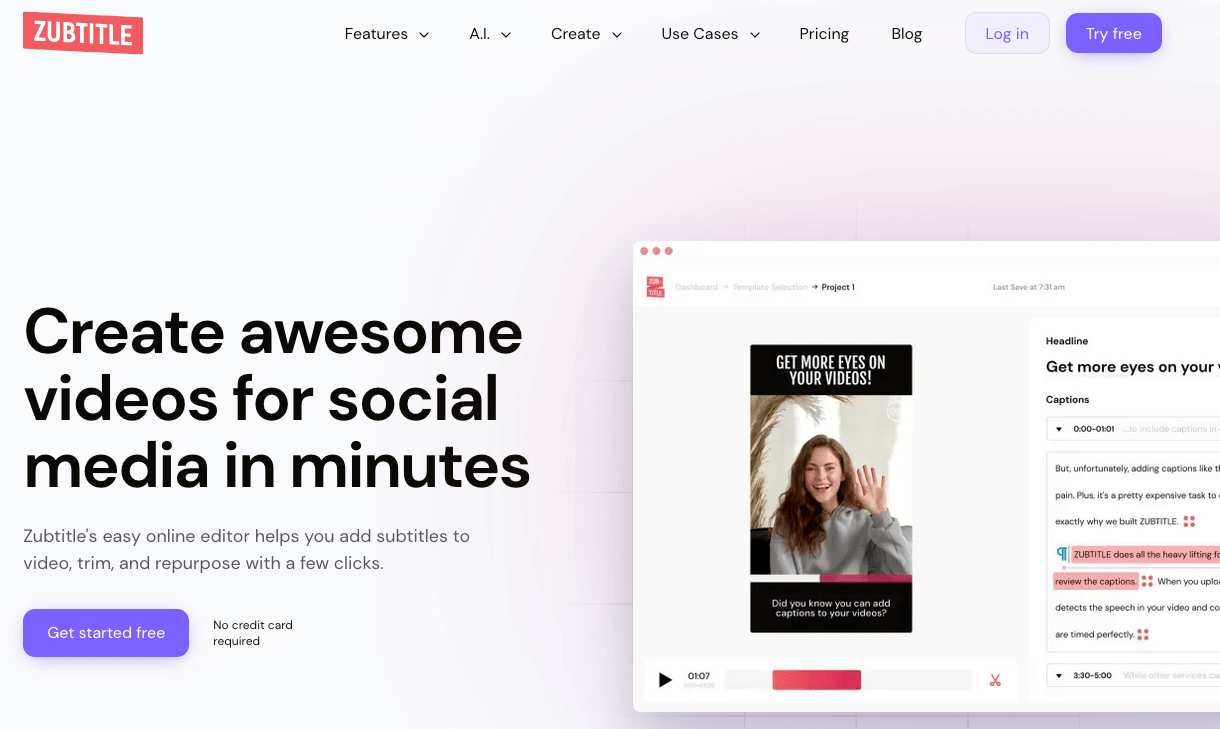
In a nutshell, Zubtitle lets you :
- Resize, crop and trim your videos if necessary.
- Subtitle your videos in seconds and customize the appearance of the subtitles.
- Add a progress bar to your videos.
- Generate descriptions and hashtags thanks to AI.
Now let’s find out how this SaaS works.
1 – Uploading your video
First step: upload your video from your computer and select the language (over 60 languages are available).
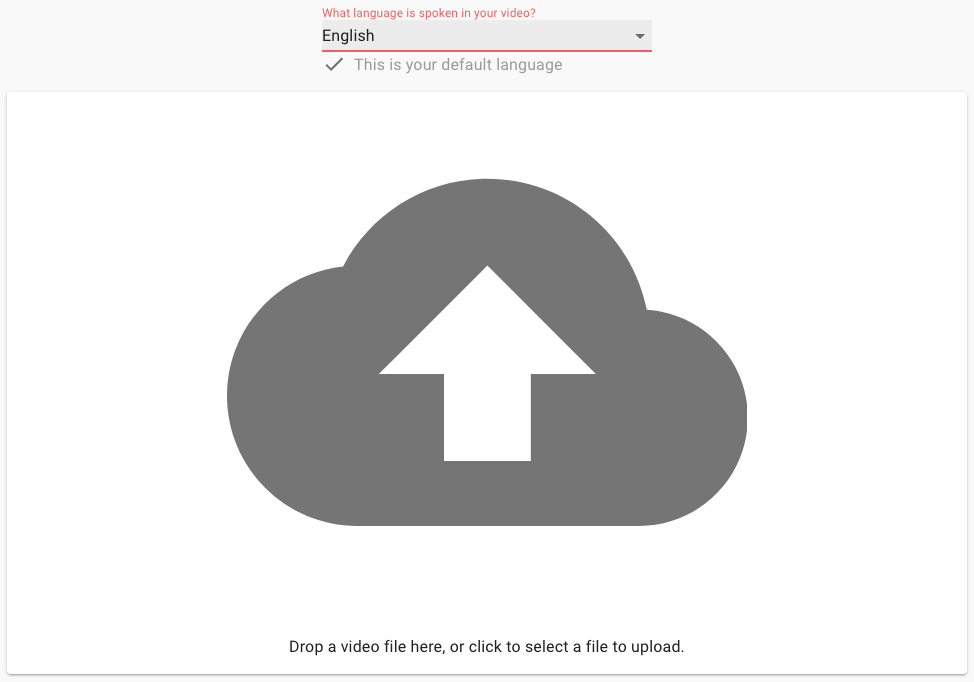
Once the video is online, the software can process it and generate subtitles.
When we first connected to the tool, a demo video was already online on Zubtitle. This is very useful, as it allows us to test the software quickly and see whether it suits us or not.
2 – Editing subtitles
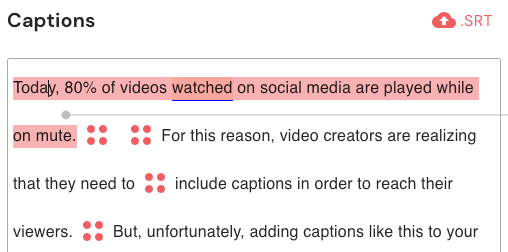
While AI-generated subtitles are generally reliable, it’s always advisable to proofread them carefully to avoid gross errors in your video content.
Zubtitle is no exception to the rule, allowing you to proofread and correct generated subtitles.
3 – Manage subtitle appearance
Now that your subtitles have been corrected, you can customize their appearance and adapt them to your graphic charter. You can modify the font, size, color, style… It’s even possible to upload custom fonts.
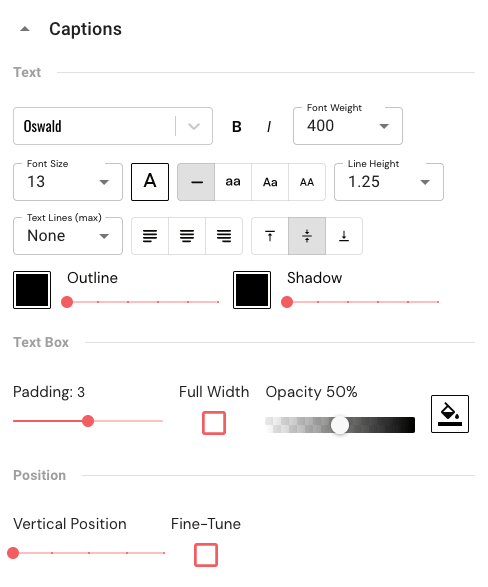
You can also choose how subtitles are displayed. You can make them appear progressively, or highlight the word spoken by the protagonist.
4 – Other features
Zubtitle also offers other interesting features.
For example, you can display a title on your video, add a logo and even a progress bar to encourage your viewers to stay to the end.
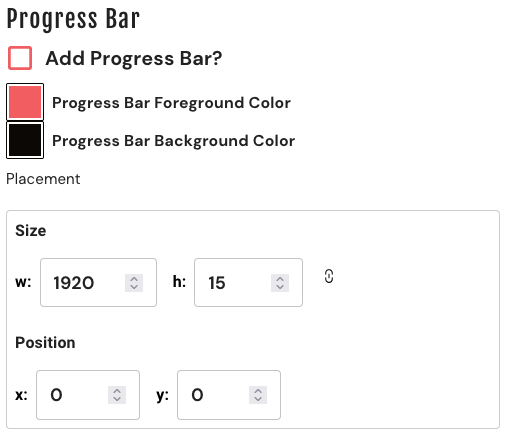
If required, Zubtitle also includes an editor that lets you resize your videos if necessary.
Zubtitle pricing
Zubtitle offers 3 plans.
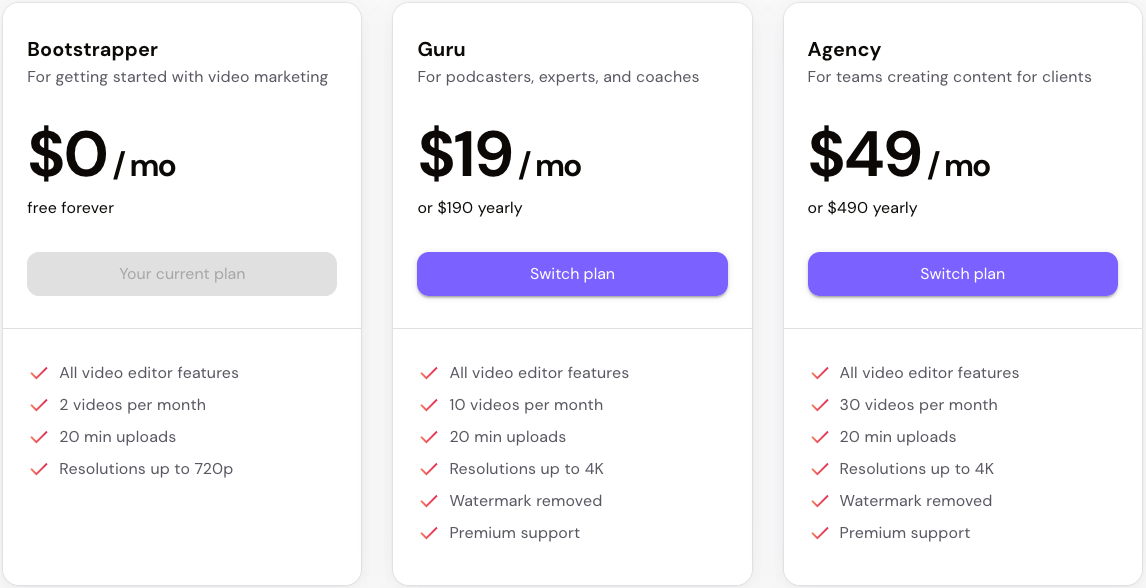
The Bootstrapper plan is the free trial version. It gives you access to all the tool’s features, but allows you to edit only two videos per month. If you download these videos, they will have the Zubtitle watermark. You need to subscribe to one of the two following plans to be able to remove this watermark.
The Guru plan ($19 per month) lets you edit 10 videos each month. To edit more videos (up to 30), you’ll need to upgrade to the Agency plan ($49 per month), or build your own customized plan to suit your needs.
My final opinion of Zubtitle
Zubtitle is easy to use and has a fairly intuitive interface. It lets you subtitle videos efficiently and offers a number of customization options. Other features, such as the ability to add a progress bar or its own logo, give it an edge over its competitors.
However, I find Zubtitle expensive for the results it delivers. For $19 a month, it lets you edit just 10 videos (even though they can be up to 20 minutes long).
What’s more, it has to be said that some of its competitors, including Submagic, offer more successful subtitle design and other features that are missing here, such as the addition of B-Rolls, sound effects, zooms, white-out, etc.